Get started with Forms
Make surveys, sign-ups and feedback forms whose answers only your team can read
About
Forms is for surveys, sign-ups, quizzes and feedback. You build a form, a person on the CYC Studio team checks it, and then anyone with its link can answer it. Answers are end-to-end encrypted, so only the workspace's owner and admins, and people with Full Access, can read them.
Forms needs a CYC Studio Cloud account. If you aren't signed in, Forms shows Sign in to use Forms.
Create a form
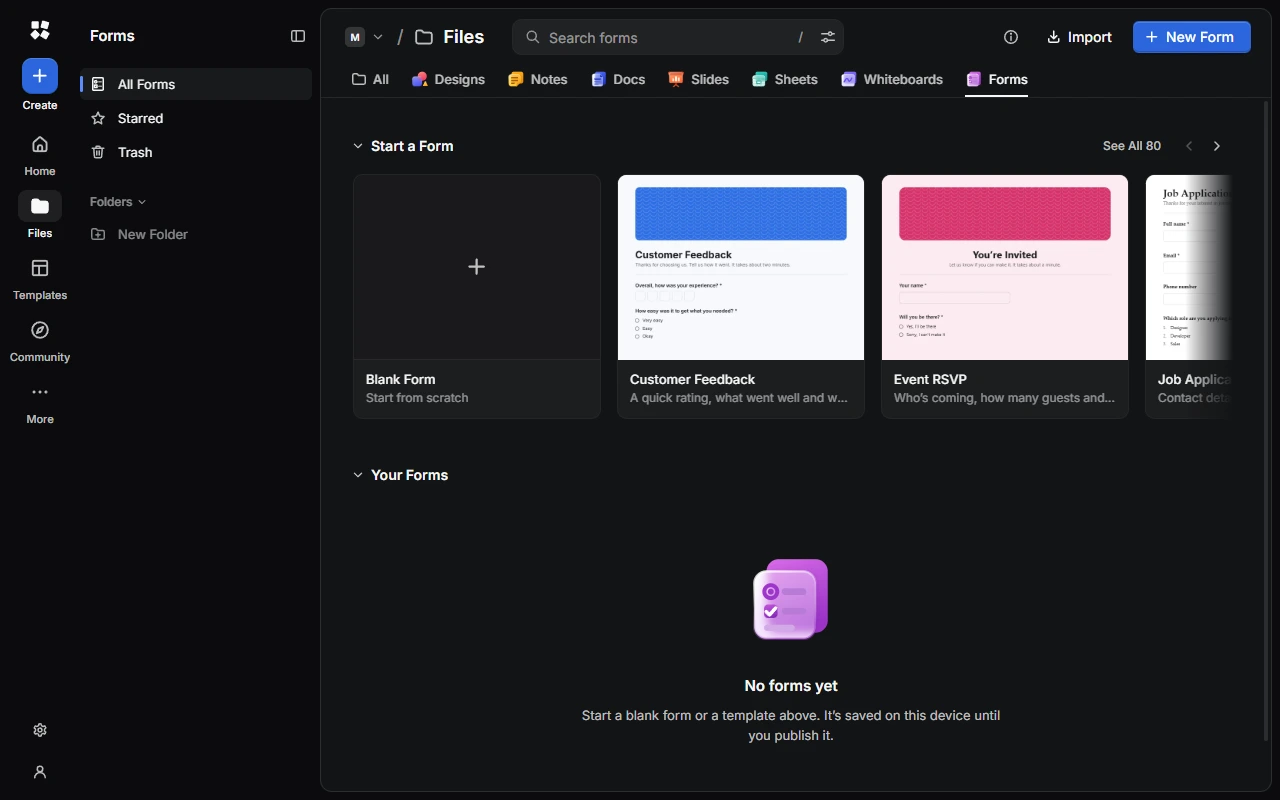
- Choose New Form for a blank form called "Untitled Form". It starts with one multiple choice question.
- Or choose a template under Start a Form, or See All. There are templates for feedback, events, work, school, business, community, wellbeing and personal use.
- From anywhere, choose Create › Form to search the form templates.
A form stays on your device, or in what you sync, until you publish it.
Find your way around
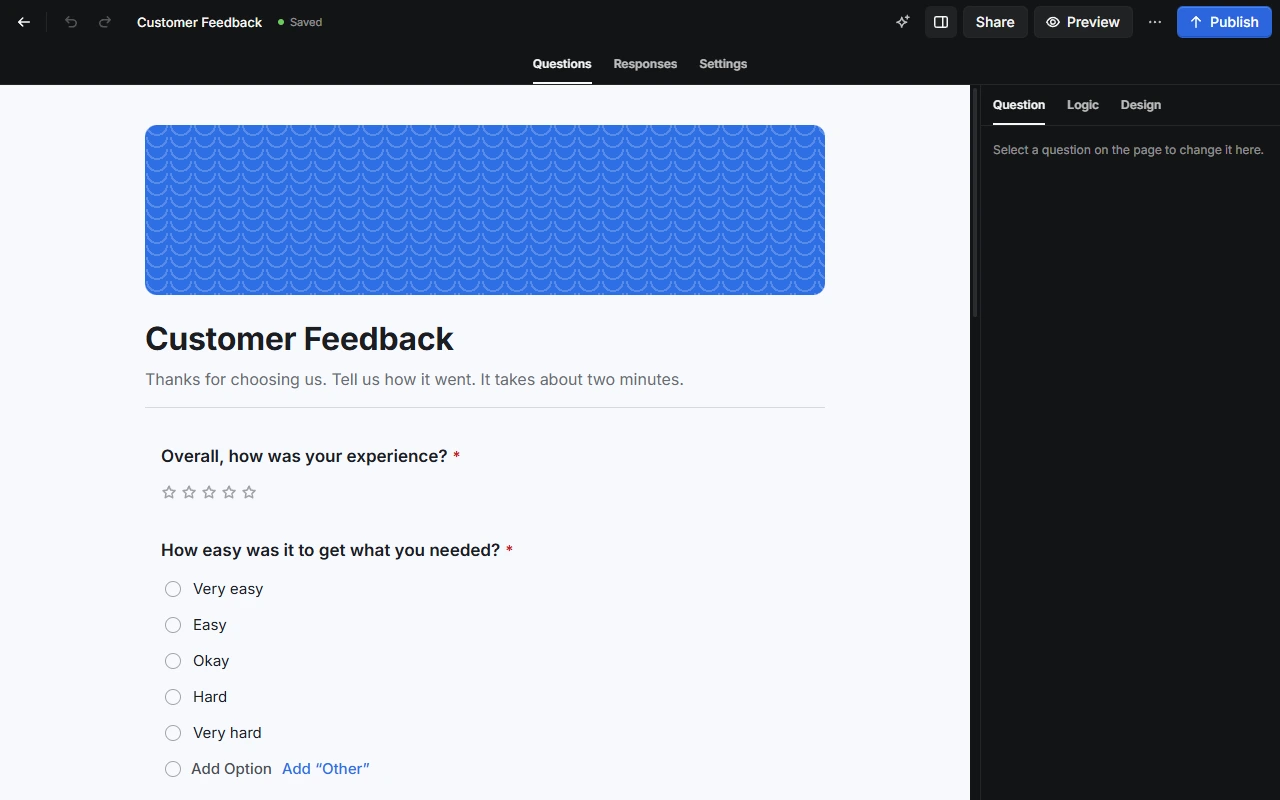
- Top bar: go back to your forms, undo and redo, rename the form, and find the AI Assistant, Share, Preview, More and Publish.
- Questions, Responses and Settings tabs switch between building the form, reading its answers and choosing how it works.
- The inspector, on the right, has settings for the selected question, its logic and the form's design. Press Alt + I to show or hide it.
Next steps
Last updated on 13 November 2026